
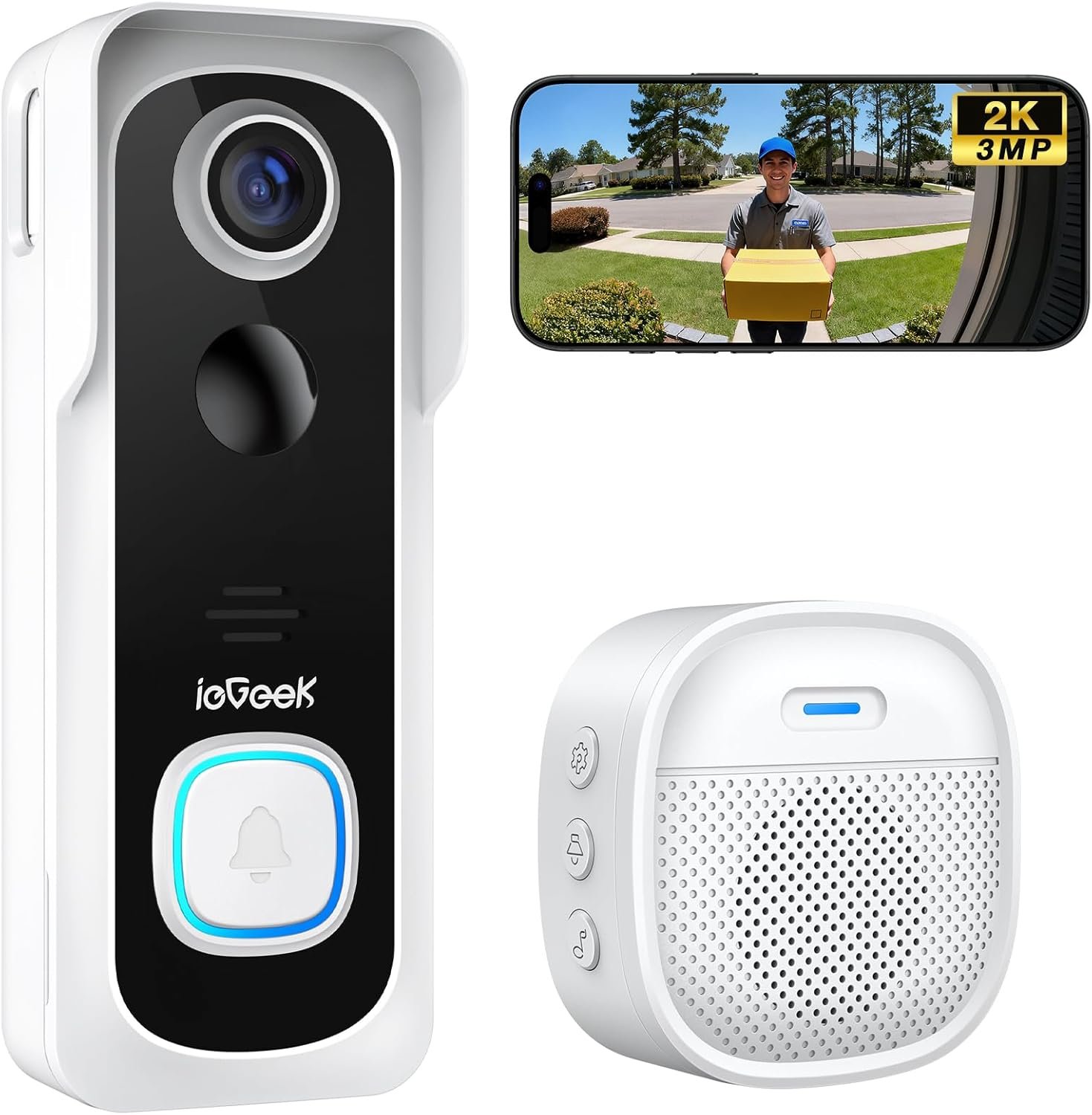
ieGeek Doorbell Camera Wireless No Subscription, 2K 3MP HD View, 2-Way Talk, PIR Motion Detection, Wireless Video Doorbell with Chime, Only Supports 2.4GHz WiFi, Local & Cloud Storage, White
$39.99
Related Products





Product description
The video showcases the product in use.The video guides you through product setup.The video compares multiple products.The video shows the product being unpacked. ieGeek Video Doorbell Camera No Subscription Merchant Video


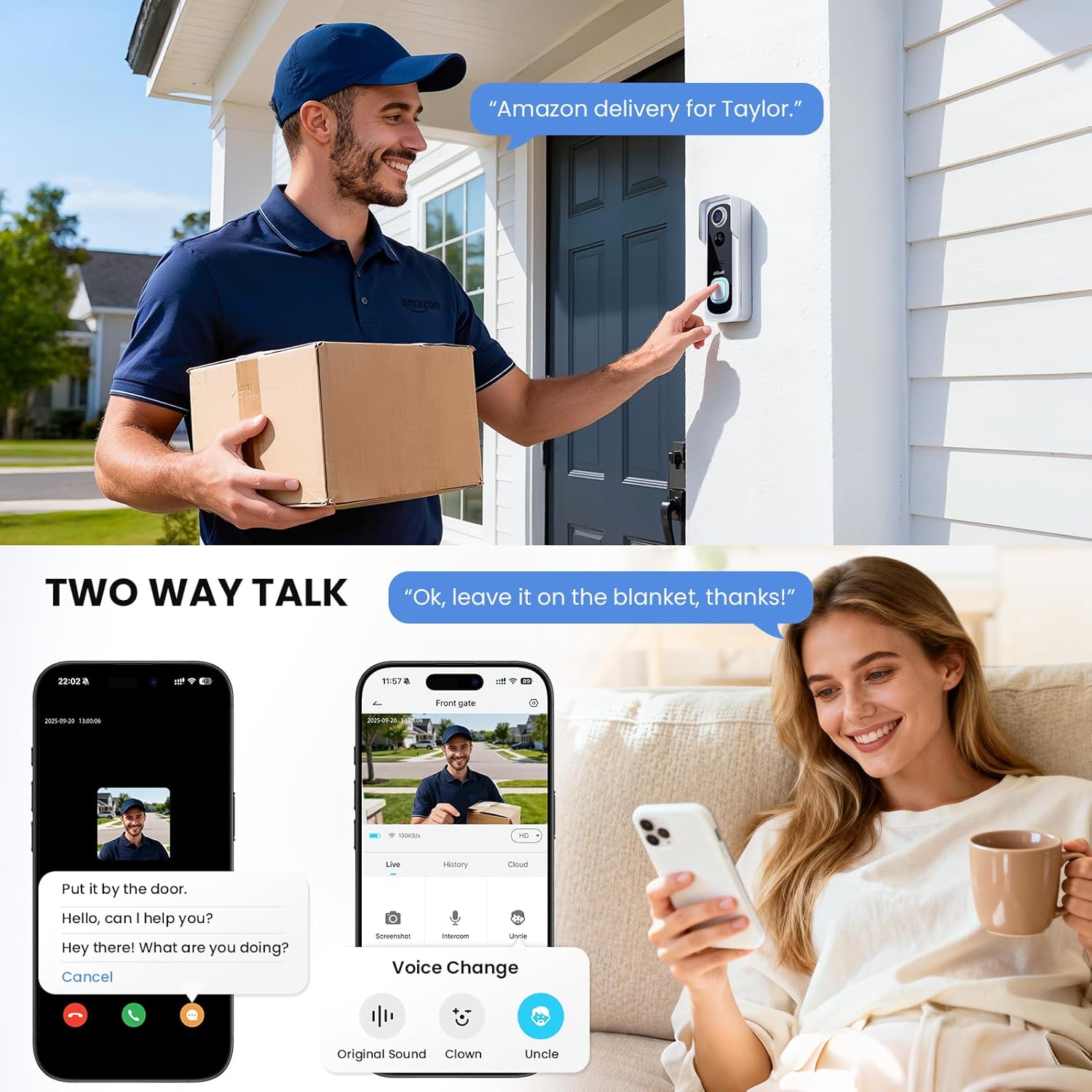
 3 ways to change your voice
Use male voices to warn people you don’t accept, or use clown voices to make friends/children laugh.
 Send common phrases with one click
Adjust detection sensitivity and area through APP, reduce useless alarms and avoid frequent disturb.
 Amplifiers that can be placed anywhere
Stand-alone and placeable chimes let you know visitors are coming no matter where you are at home.
 “Hi! Alexa, Show me the front door”
Ask Alexa to show you a live feed of your home security cameras outdoor through voice commands.
1 Voice Changer
2 Voice Message
3 Custom Detection Plan
4 Wireless Indoor Chime
5 Work with Alexa

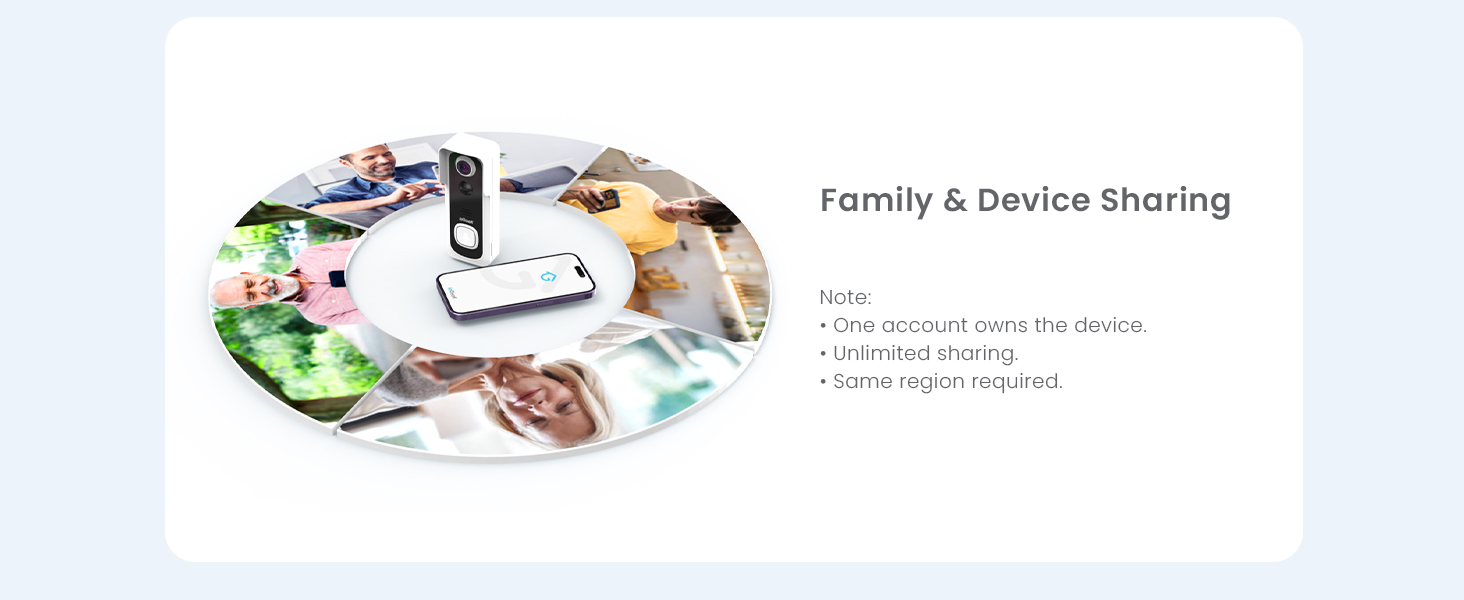
Have a family member check or operate the doorbell together, rather than just you.


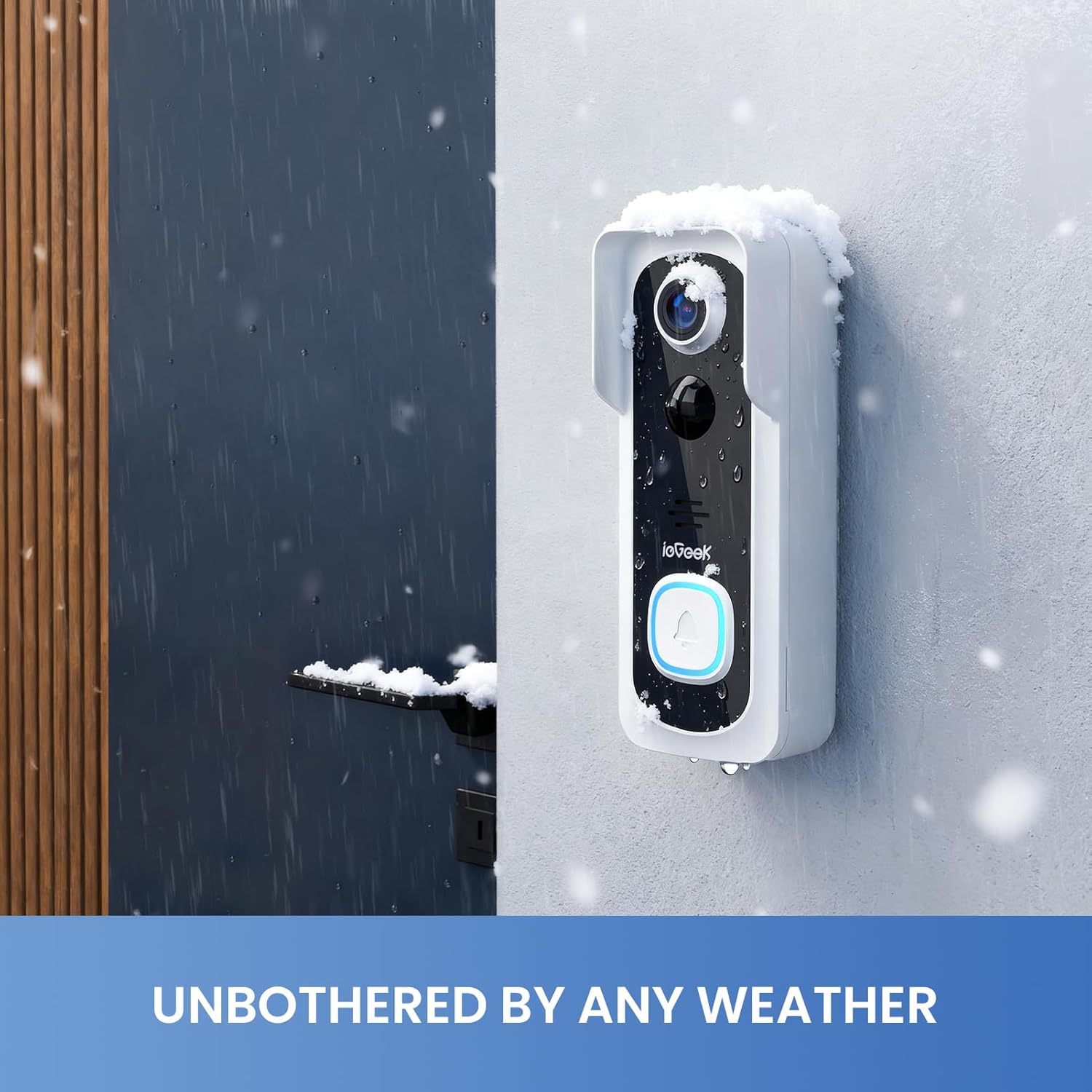
No more worrying about your doorbell being damaged due to bad weather.
1 Easily accessible
2 Multi-Users Remote Access
3
4 IP66 Waterproof
 Why choose ieGeek Storage Service?
Our Core Technology: Smarter, Not Harder.Dual Storage for Ultimate Security: We protect your data twice. Seamless Smart Home Integration: ieGeek doorbells, indoor or outdoor cameras, or baby monitors.


 ieGeek Home Security System
Manage your security camera device by same APP. (ieGeek Cam or CloudEdge)
Home security is in your palm.
 Not Support 5G hz Wifi
ieGeek Bell J9 Only work with 2.4G hz Wifi.
3 Mintues to Complete Installation & Setting Install your micro memory card
Please refer to the following steps:
Insert pin into the hole at the bottom of the doorbellTake apart doorbell from bracketThe card slot is on the left side of doorbell
The video showcases the product in use.The video guides you through product setup.The video compares multiple products.The video shows the product being unpacked. ieGeek Doorbell Camera Merchant Video
Only Support 2.4G WI-FI Connection
ieGeek Bell J9 doorbell only supports 2.4Ghz WIFI (Not support 5Ghz WIFI).Please ensure that the WiFi signal strength is above 80%. The first connection can be completed near the router.Please avoid using WiFi passwords with special characters.
The video showcases the product in use.The video guides you through product setup.The video compares multiple products.The video shows the product being unpacked. ieGeek Doorbell Camera Merchant Video
Install doorbell to door/wall
It is recommended that the doorbell be installed at a height of 4 feet (120 cm).Please avoid obstructions or reflective objects in front of the doorbell.
The video showcases the product in use.The video guides you through product setup.The video compares multiple products.The video shows the product being unpacked. ieGeek Doorbell Camera Merchant Video
Paring chime to doorbell
Chime and the doorbell are paired by default. If you find that the connection is disconnected, you can refer to the video steps to pair them manually.One doorbell can be paired with multiple chimes.
The video showcases the product in use.The video guides you through product setup.The video compares multiple products.The video shows the product being unpacked. ieGeek Doorbell Camera Merchant Video
Why can’t I connect my doorbell to WiFi?
1.ieGeek doorbell works with 2.4Ghz wifi(NOT SUPPORT 5Ghz WiFi).
2.Wifi signal is not good. It is recommended to use it in a location where the WiFi strength is greater than 80% (the APP will automatically detect and display it).
Are there any subscriptions fees?
No. You can use a local Micro memory card for storage without any additional fee. At the same time, our ieGeek Cam APP provides lifetime free cloud storage. (Video recording time is 6 seconds, cloud recording is saved for 7 days).
How to install Micro memory Card?
Use the included pin to insert into the small hole at the bottom of the doorbell to remove the doorbell from the bracket. The memory card slot is on the left side. (Normally it will be covered by the bracket for protection)
Does the doorbell support wired installation?
No. The latest version of the J9 battery doorbell does not support wired installation.
What kind of Micro memory card should I configure for this doorbell camera?
The Video Doorbell supports Micro memory cards up to 128GB. We recommend that you use genuine brand memory cards. Requirement Condition: Class10 reading and writing speed requirements and FAT32 file format, being formatted before use.
Motion Detection & Real-time Alert: Doorbell camera wireless features a PIR motion detector up to 16ft. It will send a message in 3 seconds when motion is detected and record footage of visitors approaching your door. You can talk to visitors or turn on the alarm to warn them away. Even if you missed the event, you can still view historical snippets through basic cloud storage.Customizable area detection helps you monitor your territory more accurately and reduces false alarms.
Support Memory Card & Free Basic Cloud Storage: No monthly fee is needed for this wireless doorbell camera. ieGeek Cam APP provides lifetime free cloud storage, and you can add a max 128GB memory card (Not included) for extra security. Even if someone corrupts the local storage, free cloud storage records will provide you with enough information. Steps: Settings → Cloud Storage Service → Basic Cloud Storage, and switch it on. Double protection gives you peace of mind (Works with Alexa).
100% Wireless Setting Everywhere: ieGeek doorbell camera wireless can take 8 minutes to set up on any door. Allow 2 ways (Nail or stick) according to your wall material. No need to deal with any sockets or messy wires. Powered by 5200mAh battery, the wireless doorbell works for 40 days with 20 triggers a day under testing. (May change due to environment and frequency). 2.4GHz Wi-Fi provides comprehensive coverage, perfectly matching smart home integration and offering superior penetration. (NOT support 5Ghz WiFi). When there are obstacles, the maximum distance between the doorbell and the Wi-Fi is 50 feet, and the effective coverage area decreases with greater distance.
2K HD Image Quality and Wide Angle: ieGeek Wireless Video Doorbell has nice and crisp image and super wide monitoring angle. You can see the visitor’s face and the package beside the door clearly, which reduces the possibility of package loss. Built-in infrared light automatically senses ambient light and switches to night vision mode, allowing you to capture clear picture details outside the door even at night.
Multiple Accounts Sharing & Humanized ieGeek Cam APP: The smart wireless doorbell camera supports multiple accounts for controlling the doorbell (choose the same region while registration). One main account can be used to set up multiple management accounts. ieGeek Cam App is very easy to navigate and use. Steps: Settings – Device Share – Add – Scan QR code (The personal QR code of the account to be shared).
2-Way Audio & Voice Changer: This WiFi video doorbell offers clear 2-way voice, accurately receiving and transmitting conversation. The adjustable voice changer provides added security by cleverly concealing your voice. You can also choose pre-recorded voice messages(up to 3) to quickly reply when you are busy with sth. The indoor chime can work for 60 days, after which the batteries need to be replaced. The old and new batteries cannot be used together.Ideal protection and gift for the elderly, children and women living alone.
Notes: ieGeek Bell J9 doorbell does not support 5Ghz WiFi connection and wired installation. To protect the safety of the Micro memory card, it comes with an anti-theft bracket. Please do not remove it by force (refer to the instruction manual and use the included tools).
13 reviews for ieGeek Doorbell Camera Wireless No Subscription, 2K 3MP HD View, 2-Way Talk, PIR Motion Detection, Wireless Video Doorbell with Chime, Only Supports 2.4GHz WiFi, Local & Cloud Storage, White
Add a review
$39.99
Jana F –
Luis Celleri –
Specks1998 –
Eric J. Silvers –
Brianna –
Alicia Newton –
Amazon Customer –
Schoug –
A-J –
Damien –
Mighty Buyer –
Barry Johnson –
Adam –